
How to Prepare for an Internet Outage (and Stay Connected)

This post may contain affiliate links. Read my full disclosure here.

An internet outage can interrupt much more than your favorite websites. It can affect phone calls, banking, shopping, home security, work, and even your ability to control appliances. As more of our daily lives move online, a reliable internet connection has become something many people take for granted. Unfortunately, internet service isn’t guaranteed.
Storms, equipment failures, damaged cables, cyberattacks, and problems with internet service providers can all cause disruptions. Some outages last only a few minutes, while others continue for hours or days. (ThousandEyes has a live internet outages map.)
The good news is that you don’t need expensive equipment or complicated technology to prepare for an internet outage. A few simple backups can help keep your household running smoothly.
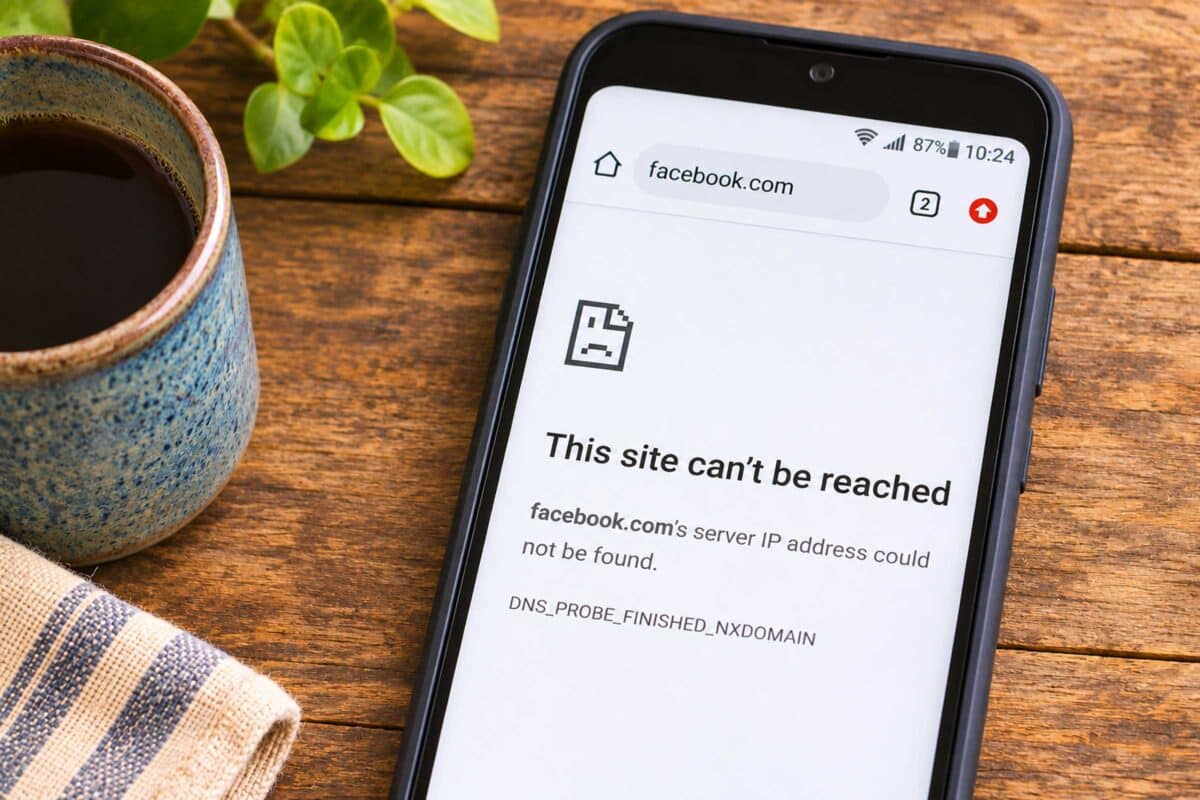
Table of Contents
- What Happens When the Internet Goes Down?
- 1. Have a Backup Way to Communicate
- 2. Keep Important Information Available Offline
- 3. Have Backup Payment Options
- 4. Check Your Smart Home Devices
- 5. Prepare for Internet and Power Outages Together
- 6. Keep Emergency Information Sources That Don’t Require Internet
- 7. Prepare for Offline Work and Entertainment
- What to Do During an Internet Outage
- Internet Outage Preparedness Checklist
- How Long Should You Prepare to Be Without Internet?
- Build Resilience, Not Dependence
What Happens When the Internet Goes Down?
The effects of an internet outage depend on how much your household and community rely on online services.
You might lose access to:
- Communication: Email, messaging apps, video calls, and Wi-Fi calling.
- Banking and shopping: Online banking, digital payments, and some credit card transactions.
- Work and school: Cloud-based files, online meetings, assignments, and business software.
- Entertainment: Streaming services, online games, and digital media.
- Smart home devices: Internet-connected thermostats, cameras, locks, and appliances.
- Information: Online maps, weather forecasts, news, and emergency updates.
Businesses may also experience problems with payment processing, inventory systems, and customer communications.
Not everything stops working when the internet goes down. Many devices and services can operate independently, but it’s important to know which ones require a connection. Sometimes outages impact one area while leaving another unaffected.
1. Have a Backup Way to Communicate
Communication is one of the first things to consider when preparing for an internet outage.
Keep a Written Contact List
Don’t rely entirely on your phone or cloud accounts to store important information.
Keep a printed list of:
- Family and emergency contacts
- Neighbors and trusted friends
- Doctors, pharmacies, and local hospitals
- Utility companies and internet service providers
- Insurance companies and important account numbers
Store a copy with your household emergency supplies.
Know Your Phone Options
If your home internet goes down, your cell phone may still connect to the internet through the cellular network. However, cellular service can also be disrupted or overwhelmed during emergencies.
Consider these alternatives:
- Cellular data: Turn off Wi-Fi on your phone to see whether mobile data is working.
- Traditional landline: Some copper-wire telephone services may continue operating during power outages, but many modern home phone services rely on internet connections or powered equipment.
- Two-way radios: FRS or GMRS radios can provide short-range communication without internet access. GMRS generally requires an FCC license. See our Emergency Radios article for more information.
- Amateur radio: Ham radio can provide additional communication options with the appropriate equipment, training, and licensing.
Make sure family members know how to use your backup communication methods before an emergency.
Establish a Family Communication Plan
Decide how family members will reconnect if normal communication isn’t available. Choose a local meeting place and an alternate location outside your immediate neighborhood.
For more ideas, see our family emergency communications plan.
2. Keep Important Information Available Offline
Cloud storage is convenient, but you may not be able to access your files when the internet goes down. Save copies of essential information where you can reach them without a connection.
Consider keeping offline copies of:
- Emergency plans and contact information
- Insurance policies and identification documents
- Medical information and medication lists
- Maps and driving directions (and make sure you know how to read a map)
- User manuals for important equipment
- Business records and essential work files
Use an external hard drive or USB drive for digital backups, and keep printed copies of especially important information. Protect sensitive records with encryption or secure physical storage.
Tip: Download offline maps to your phone before you need them, or buy a paper map. Google Maps and other navigation apps offer offline features, although some functions may be unavailable without internet access.
3. Have Backup Payment Options
An internet outage can make ordinary shopping surprisingly difficult. Some businesses may be unable to process credit or debit cards. Others may close temporarily because their checkout systems depend on internet access.
Keep a modest amount of emergency cash at home, preferably in small bills. This is useful for purchasing fuel, groceries, or other necessities when electronic payments aren’t available. Paying with cash also spares a business the credit card fees, which can really eat into small business profits. A number of our local businesses now offer cash discounts.
Also consider:
- Keeping enough food and household essentials on hand to avoid last-minute shopping.
- Maintaining a written record of important financial contact information.
- Knowing which local businesses can accept cash when their electronic systems are down.
Remember that ATMs may also be unavailable during widespread disruptions.
4. Check Your Smart Home Devices
Internet-connected technology can be convenient, but it can also create unnecessary vulnerabilities. Think about the devices in your home that depend on Wi-Fi or cloud services.
These might include:
- Smart thermostats
- Electronic door locks
- Security cameras and alarms
- Garage door openers
- Smart lighting
- Connected appliances
- Voice assistants
Some devices continue working over your local network without internet access. Others lose functionality when they can’t connect to their manufacturer’s servers.
Test your devices before an outage. Disconnect your internet connection temporarily and see what still works. Make sure you can manually operate important systems, especially locks, heating equipment, and garage doors.
If you’re considering new equipment, look for products that offer local controls rather than requiring an internet connection for basic functions.
I am not a fan of “smart” equipment. It creates EMF pollution in your home, it harvests your data like a creepy stalker, and it’s one more thing to break that can be tough to repair.
5. Prepare for Internet and Power Outages Together
An internet outage doesn’t necessarily mean the electricity is out. Likewise, a power outage doesn’t always mean your internet provider has lost service. If the provider’s network is still operating, backup power may allow your home internet equipment to keep working.
A small uninterruptible power supply (UPS) can provide temporary power for a modem, router, or other essential equipment. You can also use a properly sized battery power station or generator.
Keep in mind that backup power at your house won’t help if the internet provider’s equipment is offline. For more information, see our guide to power outage preparedness.
6. Keep Emergency Information Sources That Don’t Require Internet
When something unusual happens, many of us instinctively reach for our phones to look for updates. During an internet outage, that may not be an option.
A battery-powered or hand-crank radio can help you receive local news, weather information, and emergency instructions. A NOAA Weather Radio is particularly useful for weather-related emergencies in the United States. Keep spare batteries available and check your radio periodically to make sure it works.
Printed maps, local emergency information, and a basic household reference library are also useful backups. (You may want a copy of this really amazing book I wrote called Common Sense Preparedness…)
7. Prepare for Offline Work and Entertainment
Not every internet outage is an emergency. Sometimes it’s simply an inconvenience. Still, it’s frustrating when you can’t work, study, or relax because everything you planned to do requires a connection.
A little preparation makes downtime easier.
- Download important documents before traveling or working remotely.
- Keep offline copies of frequently used reference materials.
- Download music, audiobooks, or videos for offline use where permitted.
- Keep books, board games, puzzles, and other screen-free activities available. (Our home library has over 1000 books. I am ready!)
- Have a few household projects ready that don’t require online instructions.
An unexpected break from the internet might even be an opportunity to catch up on something offline that you’ve been meaning to do.
What to Do During an Internet Outage
If your internet suddenly stops working, don’t assume there’s a widespread outage.
Start with a few basic troubleshooting steps.
- Check your equipment. Look for unusual lights or error messages on your modem and router.
- Check another device. Determine whether the problem affects one device or your entire network.
- Try cellular data. If your phone’s mobile connection works, check your internet provider’s outage information.
- Restart equipment if appropriate. Follow your provider’s recommended troubleshooting procedure. Avoid repeatedly resetting equipment during a known outage.
- Contact your provider. Report the problem if necessary and ask about an estimated restoration time.
- Switch to your backups. Use offline files, alternative communication methods, and other prepared resources.
If the outage is widespread, avoid overloading cellular networks with unnecessary calls or large downloads. For extended outages, conserve battery power and check periodically for reliable updates.
Internet Outage Preparedness Checklist
Use this checklist to identify gaps in your household preparations.
- Print important contact information.
- Make a family communication plan.
- Identify backup communication methods.
- Download offline maps.
- Back up important digital files.
- Keep emergency cash in small bills.
- Test smart devices without internet access.
- Consider backup power for essential equipment.
- Keep a battery-powered radio available.
- Stock food, water, and basic household supplies.
- Keep books and other offline activities available.
- Practice going without internet for a few hours.
How Long Should You Prepare to Be Without Internet?
For most households, preparing for at least 72 hours without internet access is a reasonable starting point. You don’t necessarily need three days of backup internet service. Instead, think about how you’ll handle essential tasks if online services are unavailable.
For households that depend heavily on internet access for work, medical equipment monitoring, or other important services, additional backup options may be worthwhile. A longer outage may also affect businesses and community services, so having basic supplies on hand provides another layer of protection.
Build Resilience, Not Dependence
Technology should make our lives easier, not leave us helpless when it stops working. You don’t have to give up modern conveniences to be prepared. Simply make sure you have alternatives for the things that matter most.
Keep some cash available. Print important information. Learn how to operate essential equipment manually. Maintain a few offline communication and information sources. These small steps make internet outages less stressful, whether they last an hour or several days.
And if the internet goes down on a quiet afternoon, you might discover that a little time offline isn’t such a bad thing after all.
About the Author

Laurie Neverman is the creator of Common Sense Home and author of Common Sense Preparedness. With a background in mathematics and engineering and decades of hands-on homesteading experience, she shares practical ways to build resilient households. Laurie and her family live in northeast Wisconsin in a home designed with energy efficiency, backup systems, and everyday self-reliance in mind.